All Solutions

WHAT WE DO

Digital signage is a form of electronic display that shows television programming, menus, information, advertising and other messages used typically to inform or advertise. Over at MediaOnline, we do a variety of digital signages. Let us know what you need or have in mind and we’ll try to propose ideas or suggestions along with hardware and software that we think are suitable. Here are some examples:

1. iWayFinding

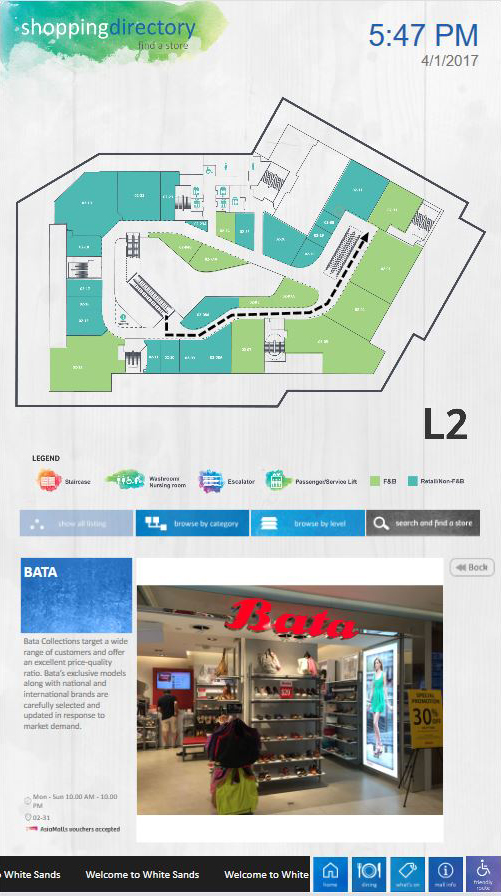
Display of information at strategic points, providing instructions on getting to a store through the signage, guiding users to the right direction.

iWayfinding

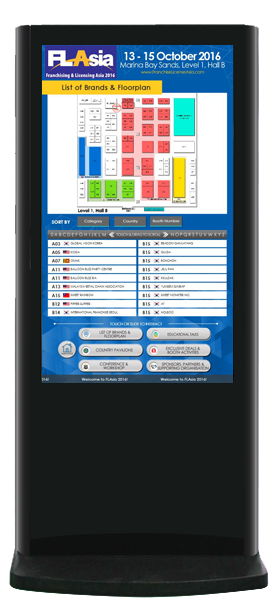
iWayFinding is paired with the iDirectory to be used in Shopping Malls or Commercial Buildings to display an interactive signage with tenants listing, floorplan, emergency exits and toilets dynamically. This is an upgrade from the static directories as WayFinding system is included to provide easy to follow instructions and directions for users to get to their destination.
Solutions :
  • Exhibition Directories – Exhibitor Listing, Conferences & Events, Flash Sales, Interactive Directory with iWayFinder
  • Building Directories – Shopping Mall Directory, Digital Adverts & Posters, VideoWall, Interactive Directory with iWayFinder

Here are some examples :

2. iDirectory

Displays a building or an area with a floorplan map, toilets, fire exits. Adverts can also be inserted into the signage to promote the products or brands.

iDirectory

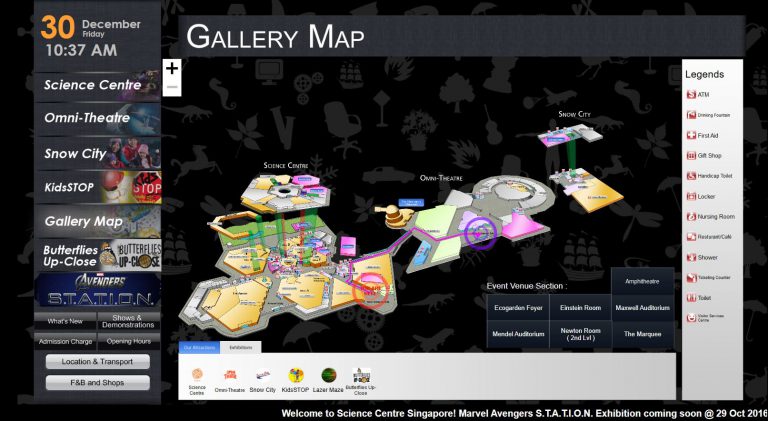
iDirectories display the building tenants and floormap dynamically with user interactions and visual effects that are eye-catching. When paired with iWayFinding, it will bring convenience to users as they are able to navigate in a building by checking the floorplan and will be given instructions on getting around the building.
Solutions :
  • Lobby DisplaysCommercial Building Directory, Staff Directory
  • Building DirectoriesShopping Mall Directory, Digital Adverts & Posters, VideoWall, Interactive Directory with iWayFinder

Here are some examples :

3. iAdvertisements

Adverts can now be done digitally with better effects than the traditional flyers. Plus point: Reduces the number of flyers printed and thrown away. 

iAdvertisements

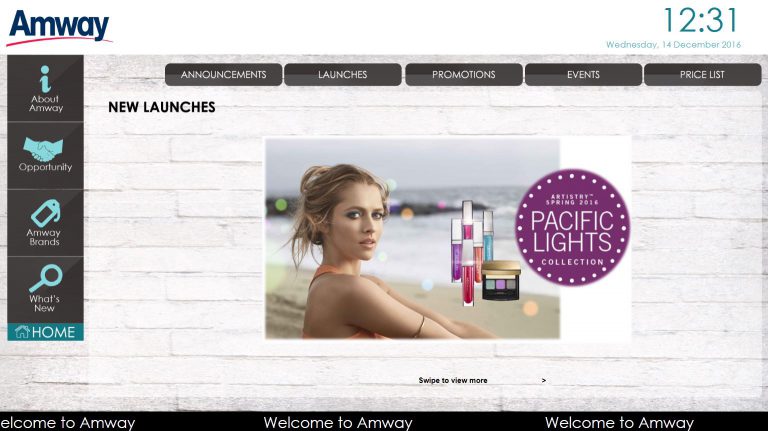
iAdvertisements can be used as part of promoting items that a store has to offer, flash sales and special promos etc. Offering many features and benefits that are not offered by static signages, for example, iAdverts can be more visually appealing to grab customer’s attention. Eliminating the high costs of creating and printing of flyers, changes made in the digital signage is instant and scheduling of promotions, flash sales is possible for various products or at a particular timing.

Solutions :
  • RetailDisplay of promotions and scheduling of flash sales at certain period in a day

Here are some examples :

4. iMenu

Conventional menu cannot be edited easily. One spelling mistake and you have to re-print the menu again. iMenu can be edited and updated easil

iMenu

Conventional menu cannot be edited easily, one spelling mistake and you have to re-print the menu again or individually amend the menu. iMenu on the other hand is dynamic can be updated easily. A digital menu will allow restaurants to promote daily lunch and dinner specials, new dishes or happy hours specials easily by scheduling the content to be played at a specific timing.
Solutions :
  • Digital Menu BoardStore counter front to display menu
  • Digital posters of food items and promotionOutside restaurant/store to attract customers

Here are some examples :

5. iMeeting

Occupancy status of meeting rooms to be displayed, where users can edit the information and it will be reflected on the screen automatically.

iMeeting

iMeeting Digital Signages can be placed inside or outside of the conference rooms, meeting rooms. The signage can display information of the ongoing meetings/conferences and the schedules end time etc. Personalized messages can also be scheduled to welcome conference groups. Notices can also be placed in iMeeting to deliver urgent announcements. Changes can be edited or updated easily and instantly.
Solutions :
  • Meeting Room DisplayDisplay ongoing meetings/conferences details, easy to edit and updates almost instantly
  • Electronic Notice BoardImportant announcements

6. Kiosks & Screens

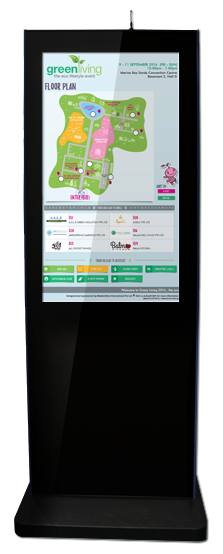
We do the rental of kiosks and sales of screens! LET US KNOW what exactly you’re looking for and we’ll get back to you regarding the stock and quotation.

Here are some examples :

7. PCAP Touch Monitor

We try to provide the best prices for our touch overlays. These are what we carry: PQ Labs, PCAP Touch Monitor etc.

PCAP Touch Monitor

PCAP touch screen software is typically used in smart phones and tablets, but can also be used for much larger screens. Projected capacitive touch screen technology does not require a bezel. They detect only fingers or styluses and displays very accurate with up to 60 touch points.
Features of PCAP touch monitors :
  • Stylish front glass (Bezel-less) PCAP
  • Conventional I/R Touch
  • 5mm Tempered Glass (anti-vandalism)